Summary:
WhatsApp has evolved into a crucial tool for sales teams, allowing them to send offers and updates to leads. However, using unofficial bulk messaging tools can lead to account bans due to violations of WhatsApp's terms. To avoid this, businesses should use official WhatsApp CRMs that comply with Meta's guidelines, ensuring messages are seen as legitimate business communication. By collecting consent, personalizing messages, and managing frequency, businesses can maintain a high-quality rating and effectively scale their communication efforts. GrowEasy CRM offers a compliant solution for managing these tasks efficiently.
Table of Contents
WhatsApp is no longer just a personal communication platform. It has become where your sales team lives, sending offers, order updates and follow-ups to every lead in the pipeline. You have a list of 5,000 leads and an offer to send to each one. WhatsApp on your phone lets you message them one at a time, but that's not how a sales team scales.
As Meta is watching very closely, in April 2026 alone, WhatsApp banned 54,70,958 accounts linked to Indian phone numbers, and nearly 13.5 lakh of those were removed proactively by automated systems before any user even complained. WhatsApp has also stated in its compliance disclosures that the overwhelming majority of these bans are linked to unauthorised use of automated or bulk messaging.
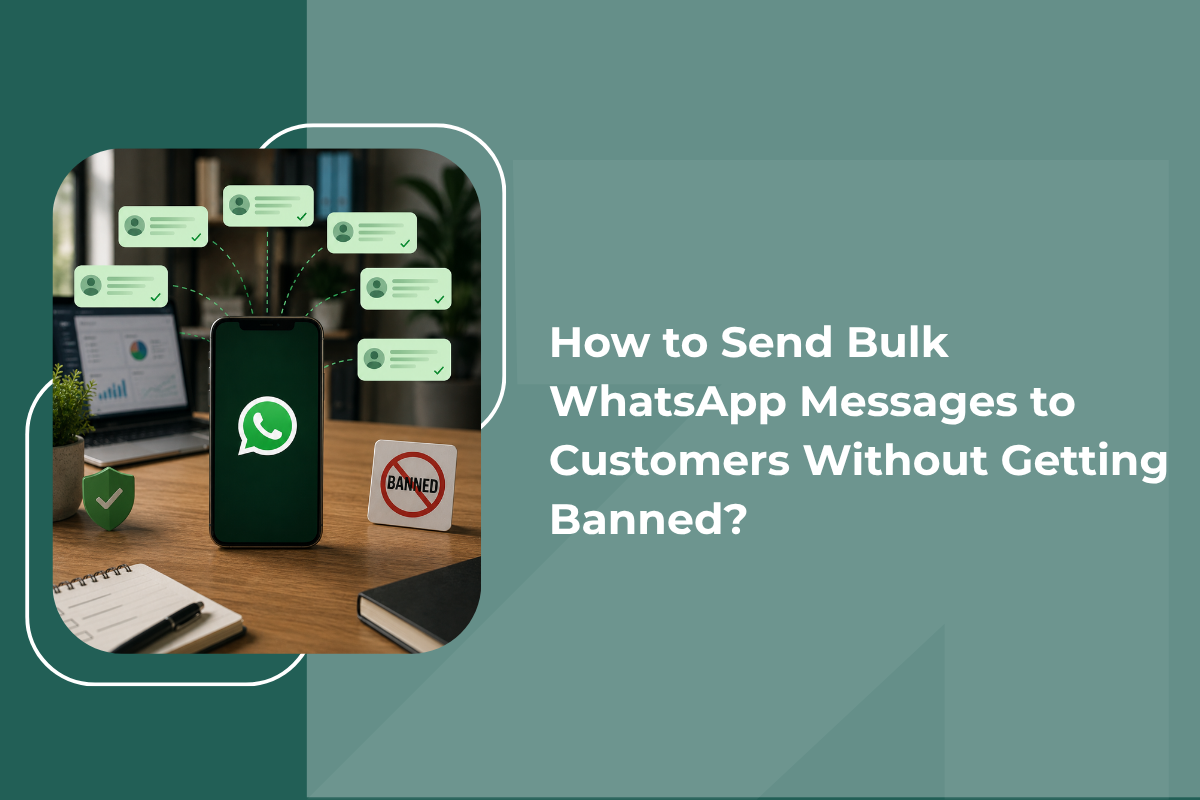
So the real question is not whether you can send a bulk WhatsApp message to your leads and customers. You absolutely can. The question is how to do it so that Meta reads your activity as legitimate business communication rather than spam, and so every message stays tied to the right lead record instead of disappearing into someone's personal chat history. That is exactly what this blog covers.
Why Does WhatsApp Actually Ban Business Numbers?
Bans are rarely random. They follow patterns, and once you know the patterns, you can avoid almost all of them. The most common causes are sending identical unpersonalised messages to large groups, using unofficial modified apps, messaging numbers that never gave permission, sending to invalid numbers that are not on WhatsApp, and pushing very high volumes in a very short window.
Notice the common thread. Every one of these signals tells Meta that the conversation is not human-led. When enough recipients block or report you in a short period, the system reacts, and it usually reacts without warning.
Why Free Bulk Senders Are the Fastest Route to a Ban
Search for a free WhatsApp bulk message sender, and you will find dozens of browser extensions and desktop tools promising unlimited sends. Almost all of them work by automating your personal WhatsApp Web session, which directly violates WhatsApp's terms of service.
These tools feel cheap until you lose the number. When a business number is banned, you lose your chat history, your lead conversations, and the number your ads and printed material point to. Recovery is possible but slow and never guaranteed. It is far easier never to need it, which is exactly why an official, API-based WhatsApp CRM exists in the first place, instead of a QR-code tool bolted onto your phone.
If you're comparing tools, our CRM comparison is a useful starting point for separating platforms built on the official API from risky workarounds.
The Business App and a WhatsApp CRM Are Not the Same Thing
Most confusion around how to send bulk messages on WhatsApp comes from mixing up two very different products.
The WhatsApp Business App is free and built for small teams handling conversations on one phone. Its broadcast list feature caps out at 256 contacts, and crucially, recipients only receive your broadcast if they have already saved your number. It works well for a neighbourhood store messaging regulars. It was never designed for a sales team running campaigns across hundreds of leads a day.
A WhatsApp CRM built on the official WhatsApp Business Platform (the API) is the route for scale. You send through approved message templates, you get delivery and read reporting, every reply updates the lead's record automatically, and Meta treats your traffic as sanctioned business messaging rather than suspicious automation.
Understand Messaging Limits Before You Press Send
Meta controls volume through a tiered system. New portfolios that have not completed Business Verification start very low, and verified accounts progress upward through daily caps of 1,000, then 10,000, then 100,000 unique contacts in a rolling 24-hour window, and eventually to an unlimited tier.
Two changes matter a lot in 2026. Since October 2025, these limits sit at the business portfolio level rather than per phone number, so adding a second number does not double your capacity. Meta also now reviews accounts for tier upgrades far more frequently than it used to, which means good behaviour is rewarded faster and poor behaviour is caught faster.
Alongside volume, every number carries a quality rating shown in WhatsApp Manager as green, yellow or red. It reflects how recipients respond to you, a drop to yellow freezes your tier, a drop to red reduces your limit. No amount of budget or verification overrides a poor rating, which is why relevance beats volume every single time.
Seven Practices That Keep Your Number Safe
After thorough research, we have come up with these seven practices that keep your number safe:
- Collect real consent and keep the proof - Ask people to opt in through a website checkbox, a Click to WhatsApp ad, a QR code at your counter, or a reply to a confirmation message. Store the date, source and wording against the lead record. India's Digital Personal Data Protection Rules were notified in November 2025, and full compliance is due by 13 May 2027, which makes documented consent a legal expectation as well.
- Clean your list before every send - Remove duplicates, landlines, and numbers that are not registered on WhatsApp. Sending to invalid numbers is a recognised spam signal, and a list that has been sitting untouched for a year will almost always contain a meaningful share of dead entries that quietly damage your delivery rate.
- Warm up slowly - Do not jump from zero to your full daily cap on day one. Start with a few hundred of your most engaged contacts, watch delivery and read rates, then scale gradually across two to three weeks.
- Personalise beyond the first name - Messages that reference a real enquiry, a specific city, or a product the lead actually asked about generate replies. Replies are the strongest positive signal you can send to Meta, and in a WhatsApp CRM, a reply is also what triggers your lead's next follow-up automatically.
- Make opting out effortless - Add a clear line such as "Reply STOP to unsubscribe" and automate the suppression instantly. A person who unsubscribes quietly is far better for your account than one who taps Report Spam.
- Control frequency - Recipients see marketing messages from many brands, and Meta applies its own capping to protect the user experience. One well-timed campaign a week usually outperforms four rushed ones.
- Lead with useful messages - Order confirmations, delivery updates, appointment reminders and payment receipts train customers to open your messages. When a promotional message finally arrives, it lands on a warm relationship.
Your Pre-Campaign Checklist
Before any campaign goes out, confirm that every contact has opted in, Meta approves your template, your opt-out instruction is visible, your list has been cleaned, your quality rating is green, your audience is segmented by lead stage, and your volume sits comfortably within your current tier.
Sending Safely at Scale With GrowEasy CRM
Knowing the rules is one thing. Running campaigns inside them week after week, without losing track of which lead replied to what, is another. GrowEasy's WhatsApp CRM runs on the official Meta Cloud API, so you're compliant by design rather than by luck, and every conversation is tied directly to the lead's record in your pipeline.
You can import contacts through CSV with automatic verification and duplicate removal, build approved templates with images, PDFs and CTA buttons, personalise using dynamic lead data, and track sent, delivered, read and reply figures in real time, all from the same dashboard where your team manages calls and follow-ups. AI can even auto-reply and qualify a lead the moment they respond, so nothing waits on a rep being free. GrowEasy CRM's pricing is a straightforward monthly plan with the WhatsApp API included from the entry tier, so there's no separate messaging tool to budget for.
Learning how to send bulk WhatsApp messages safely comes down to one shift in thinking. Stop treating WhatsApp as a broadcast channel and start treating it as a permission-based conversation channel that feeds your CRM, and happens to scale.
Businesses that get banned are almost always the ones that bought a list, used an unofficial tool, and blasted the same message to everyone. Businesses that grow on WhatsApp collect consent honestly, segment carefully, send something genuinely useful, and let their quality rating climb.
Get that right, and WhatsApp becomes the most reliable channel you own, feeding a pipeline your whole team can see. Get it wrong, and you lose the number entirely. Book a free demo and see how GrowEasy CRM sets this up for you.