Summary:
WhatsApp API is a powerful tool for businesses in India, enabling efficient communication through integration with CRM systems. Unlike the consumer app, it facilitates automated messaging, tracking, and logging of conversations on a large scale. Businesses can leverage it for transactional messages, which are cost-effective compared to marketing messages. Understanding the API's pricing, message templates, and customer service window is crucial for optimizing its use. While small operations may suffice with the free Business App, larger teams benefit from the API's capabilities, especially when integrated with platforms like GrowEasy CRM, which offers comprehensive support and automation features.
Table of Contents
What is WhatsApp API in Simple Terms?
The Three WhatsApp Products, and Who Each One Suits
WhatsApp Business API Pricing in India
Messaging Limits You Should Expect
How to Get WhatsApp API Running, Inside a CRM, Step by Step
What Indian Businesses Are Doing With It
Three Mistakes That Cost Indian Businesses Money
If you run a sales team in India, you already know WhatsApp is where your leads reply first. But most business owners don't understand the difference between the app on their phone and the system that lets a CRM send, track and log lakhs of conversations automatically.
That system is the WhatsApp Business Platform, better known as the WhatsApp API. This blog explains WhatsApp API in plain language, how the pricing really works in 2026, and how to decide whether your sales team needs it running inside a CRM yet.
What is WhatsApp API in Simple Terms?
WhatsApp API is not an app you download. There is no inbox to open and no icon on your home screen. It is a connection that lets your own software, in most cases, your CRM, talk to WhatsApp directly.
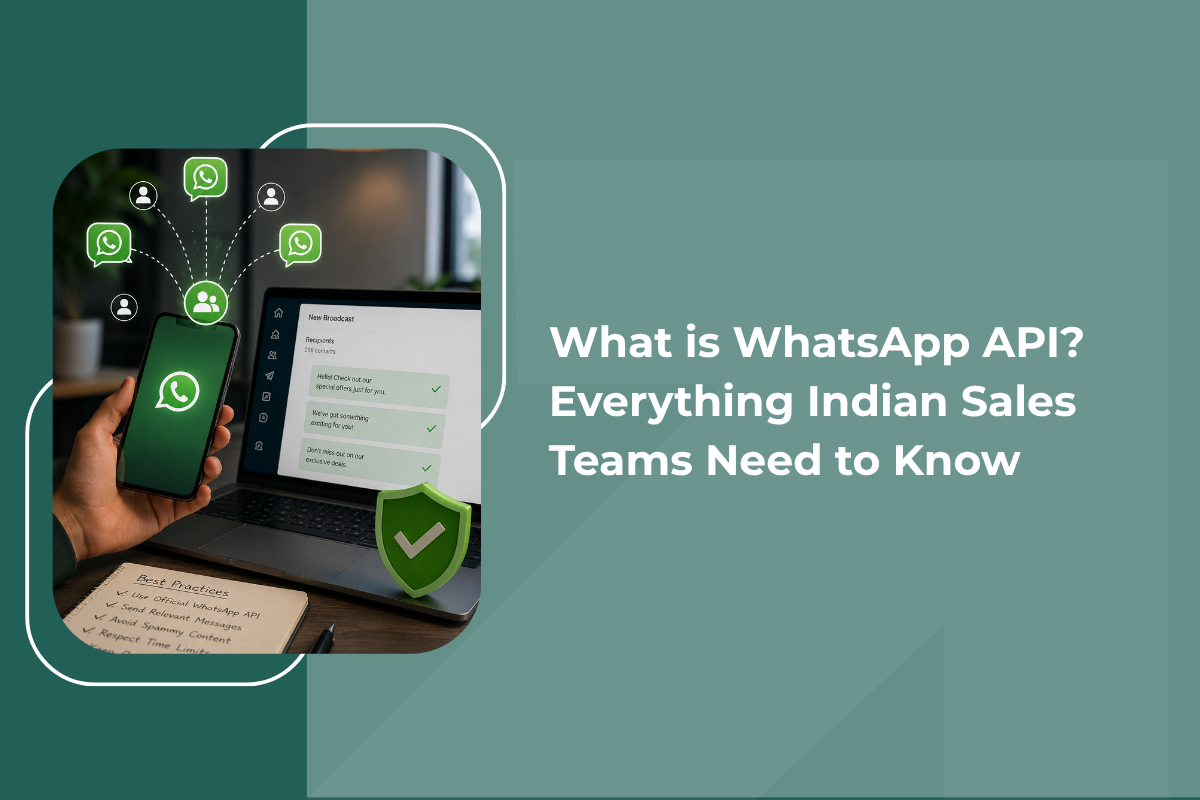
Think of it as a pipe between your systems and your customers. A lead fills a form on your website, clicks an ad, or is already sitting in your CRM, and the API pushes a message into that pipe on your behalf. When the customer replies, the answer flows straight back into your CRM against that lead's record instead of sitting in someone's personal phone.
As there is no interface built in, you use the API through a platform. Meta hosts the Cloud API itself, and providers like GrowEasy build the CRM, campaign tools, automation and reporting on top of it. This is why businesses almost never integrate with Meta alone.
The Three WhatsApp Products, and Who Each One Suits
WhatsApp Messenger is the consumer app for personal use only and has no business-related features.
The WhatsApp Business App is free and aimed at small operations. If you're wondering how to use it, the setup takes a few minutes:
- Download it.
- Register with a number that is not already tied to a personal WhatsApp account.
- Build a business profile with your address, category, website and hours.
From there, you get a catalogue for products, quick replies for repeated answers, labels to organise chats, and greeting and away messages. It's fine for a clinic or boutique handling forty conversations a day, but it has real limits: broadcast lists cap at 256 contacts, recipients only receive broadcasts if they've saved your number, and the app runs on a handful of devices.
WhatsApp API, used through a platform like a WhatsApp CRM, is built for volume, automation and teams. It's the only compliant route for genuine campaign messaging, and the only way to get every conversation logged against a lead automatically rather than living in a rep's personal chat app.
How the API Actually Works
API works on three concepts. These explain nearly everything about WhatsApp API for business.
- Templates - You cannot send a promotional message in free text. Every business-initiated message uses a template submitted to Meta for approval, which is usually cleared within minutes to a few hours. Inside a WhatsApp CRM, pre-approved templates for first touch, follow-up, appointment confirmation and re-engagement are ready to reuse without resubmitting each time.
- Message Categories - Templates fall into marketing, utility and authentication. Marketing covers offers and announcements. Utility covers order confirmations, delivery updates and payment reminders. Authentication covers one-time passwords. The category you choose decides the amount you pay for the messages you send.
- The Customer Service Window - When a customer messages you, a 24-hour window opens. Inside it, your team can reply in free text without templates. Once it closes, you're back to templates. This single rule is why replying quickly matters so much, and why an AI CRM that auto-replies within seconds of a lead messaging in matters even more.
WhatsApp Business API Pricing in India
The WhatsApp API has undergone two major changes recently.
Since 1 July 2025, Meta bills per message delivered rather than per 24-hour conversation. That was a significant shift for anyone still budgeting on the old conversation model.
Meta then revised India rates on 1 January 2026. Marketing messages moved from roughly ₹0.7846 to about ₹0.8631 per message, while utility and authentication messages sit near ₹0.115 each. These figures are Meta's base charges, verified against Meta's rate card.
India remains among the cheapest markets in the world for this channel, which is a genuine structural advantage for Indian sellers.
These three things sit on top of the base rate:
- 18% GST applies.
- Your CRM provider adds a platform fee, a per-message markup, or both, or bundles the WhatsApp API into a flat subscription, as GrowEasy CRM does.
- Some providers charge a one-time onboarding fee, though many charge nothing. Meta itself charges nothing to set up the API, and Official Business Account verification is free. Service replies inside the 24-hour window are currently free as well.
Let's give a practical example. A team sending 10,000 marketing messages a month is looking at roughly ₹8,600 in Meta charges before GST and provider fees. The same 10,000 messages sent as utility updates would cost around ₹1,150. That gap is the single biggest lever in your WhatsApp budget, and it's why smart Indian sales teams lean heavily on utility messaging for anything transactional. See our pricing page for how these charges roll into a GrowEasy CRM plan.
Messaging Limits You Should Expect
Meta caps the number of unique contacts you can message in a rolling 24-hour period. Unverified accounts start very low. After Business Verification, you move through 1,000, then 10,000, then 100,000 unique contacts daily, and eventually to an unlimited tier.
Since October 2025, these limits apply across your whole business portfolio rather than per number. Your progression depends on maintaining a healthy quality rating, which Meta shows as green, yellow or red inside WhatsApp Manager.
How to Get WhatsApp API Running, Inside a CRM, Step by Step
Understanding how to use WhatsApp API is more administrative than technical, and most of it can be handled for you.
- Start with a phone number that is not currently active on any WhatsApp account, personal or business. If it is, delete that account first and wait before reusing it.
- Create or confirm your Meta Business Manager account and complete Business Verification. You'll need your certificate of incorporation or GST registration, plus proof of address such as a utility bill. Approval typically takes a few days.
- Choose a platform to run it through. Compare the platform fee, any per-message markup, the campaign and automation tools, and whether support is available in your time zone. A cheap base rate paired with a clumsy dashboard costs more in staff hours than it saves. This is where a WhatsApp CRM earns its keep, the API, the campaign tools, and your lead pipeline live in one place instead of three.
- Connect your number and import your leads. GrowEasy CRM handles this migration for free, pulling in contacts from Facebook Ads, Google Ads, spreadsheets or your existing CRM in one go.
- Submit your first templates and set up automation for repetitive work, follow-up sequences, no-pickup messages, and campaign schedules. GrowEasy's team helps set these up as part of onboarding, with most accounts fully live within a week. Our CRM automation page covers the flows worth building first.
What Indian Businesses Are Doing With It
Ecommerce brands send order confirmations, shipping updates and cart recovery messages. Real estate teams route ad leads straight into a WhatsApp CRM conversation while intent is highest.
Clinics and salons cut no-shows with appointment reminders. Coaching institutes handle admission enquiries and fee reminders. Banks and lenders deliver one-time passwords and statements.
The pattern is consistent. The API earns its keep on repetitive, timely, transactional communication first. Promotional campaigns are the layer you add once that foundation, and the CRM record behind every conversation, is working.
Three Mistakes That Cost Indian Businesses Money
Here are three mistakes that cost businesses money, and should be avoided:
- Categorising everything as marketing. An order confirmation written as a promotional template costs roughly seven times more than the same message sent as utility. Review your template categories carefully.
- Ignoring the 24-hour window. Every hour your team takes to reply wastes free messaging and creates a paid template you'll need later. An AI CRM that auto-replies within the window avoids this entirely.
- Buying contact lists. Beyond the policy violation, non-opted-in contacts block and report you, your quality rating falls, and your daily limit shrinks when you need it most.
When You Do Not Need the API Yet
If you handle under fifty conversations a day, run everything yourself, and rarely broadcast, the free Business App is enough.
Move to a WhatsApp CRM built on the API when you outgrow 256-contact broadcasts, when several people on your team need one shared number, when you want leads to trigger messages automatically the moment they come in, or when manual follow-up is costing you sales.
Getting Started the Right Way
GrowEasy CRM runs on the official Meta Cloud API with guided onboarding, verification support, CSV contact upload with automatic cleaning, approved templates with buttons and media, dynamic personalisation, AI auto-replies and lead scoring, and real-time analytics on delivery, reads and replies. It's not a bolt-on messaging tool; the same dashboard runs your telecalling, lead management and automation, so nothing lives in a separate system. Plans start at ₹999/month with the WhatsApp API included, see the full breakdown on our pricing page.
The API is not complicated once you strip away the jargon. The complications revolve around templates, categories, a 24-hour window and a per-message price. Understand those four ideas, and you can budget confidently and scale without risking your number. Book a free demo and see how it fits your sales process.