
Summary:
A telecalling CRM is a specialized customer relationship management system designed to streamline phone-based sales by organizing leads, automating call dialing, logging conversations, and scheduling follow-ups. Unlike generic CRMs, it centralizes all calling activities, providing real-time visibility and reducing errors like duplicate calls or missed follow-ups. This system enhances efficiency for high-volume calling teams, such as those in real estate or insurance, by ensuring timely responses and maintaining business relationships through virtual numbers. Adopting a telecalling CRM can significantly improve response times and follow-up consistency, benefiting both telecallers and managers.
Table of Contents
A telecalling CRM organizes leads, dials calls, and logs every conversation automatically, so calling teams spend their day talking to prospects instead of managing spreadsheets.
Picture a telecalling team of twelve people, each working off their own spreadsheet of leads, dialing numbers from a personal phone, and typing notes into a notepad app if they remember to at all. Multiply that by hundreds of calls a day, and it is easy to see why leads get called twice, follow-ups get missed, and nobody really knows which caller is actually performing well. A telecalling CRM exists to fix exactly this kind of chaos.
What Is a Telecalling CRM?
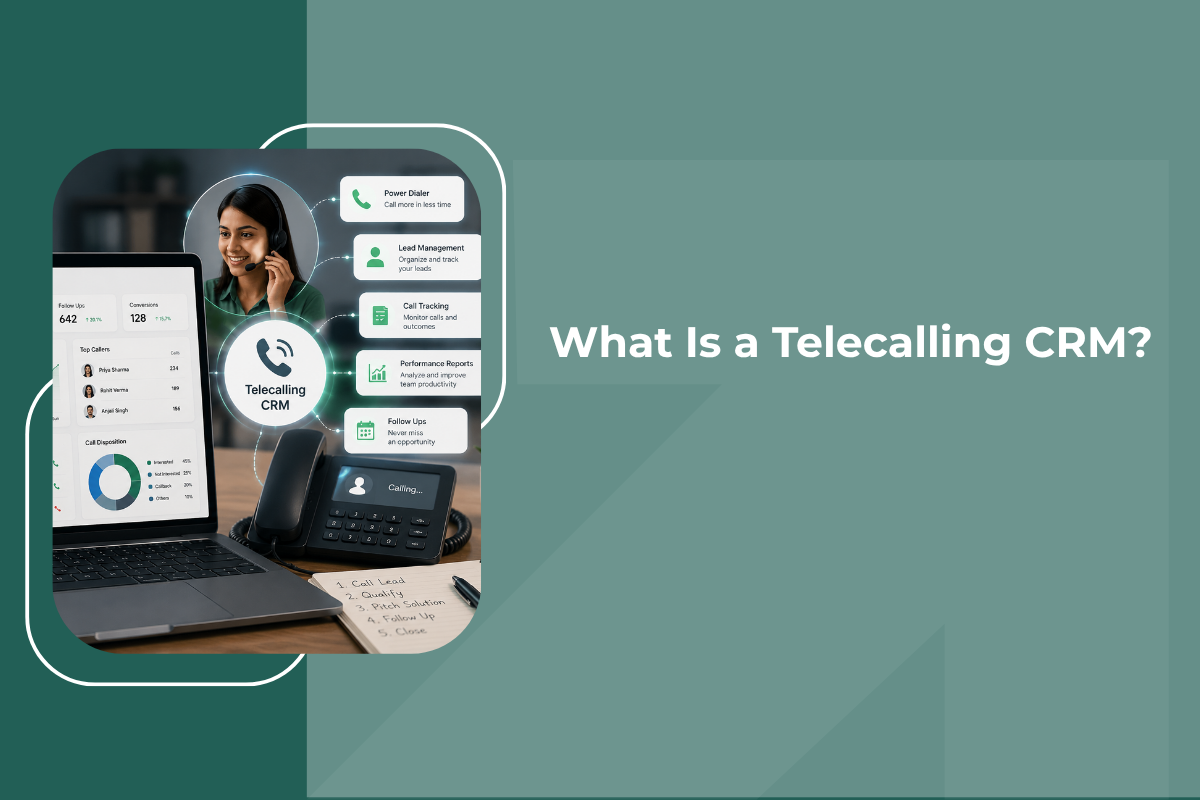
A telecalling CRM is a customer relationship management system built specifically around phone-based sales and outreach. Instead of treating calling as a side feature bolted onto a general CRM, it puts the phone call itself at the center of the workflow, organizing leads, dialing numbers, recording outcomes, and scheduling follow-ups, all from one place.
At its core, a telecalling CRM does three things well: it tells a caller who to call next, it makes the actual calling easier through built-in dialing, and it captures what happened on that call automatically, so the next follow-up is informed by everything that came before it.
This is different from a generic CRM that happens to have a "log a call" button. A purpose-built telecalling CRM is designed around the daily reality of a calling team, high call volumes, the need for quick note-taking between calls, and managers who need visibility into calling activity without asking for a manual report.
How a Telecalling CRM Works?
A typical calling day inside a telecalling CRM follows a fairly consistent flow:
- Leads enter the system: New leads come in from ads, a website form, a WhatsApp enquiry, or a manual upload, and land directly inside the CRM rather than a separate inbox or spreadsheet.
- Leads get assigned: The system distributes leads to the right telecaller, either automatically based on rules like territory or lead source, or manually by a team lead.
- The caller dials from within the CRM: Using a built-in dialer crm feature, the telecaller places the call directly from the lead's profile, without switching to a separate phone app or dialing manually.
- The call is logged automatically: Call duration, outcome, and often a recording are captured without the caller having to fill out a separate form.
- A follow-up gets scheduled: Based on the outcome, the CRM prompts a next action, call back tomorrow, send a WhatsApp message, or mark the lead as closed.
- Managers see it all in real time: Call volumes, connect rates, and individual caller performance show up on a dashboard, without anyone needing to ask for a status update.
This loop repeats for every lead, and because each step happens inside one connected system, nothing depends on a telecaller remembering to update a spreadsheet at the end of the day.
Telecalling CRM vs Regular Calling
It helps to compare this against how many teams still operate, calling from a personal phone with lead details tracked in Excel:
- Regular calling depends on manual note-taking; a telecalling CRM logs call details automatically
- Regular calling makes it easy to call the same lead twice by mistake; a telecalling CRM shows call history instantly
- Regular calling gives managers no real-time visibility; a telecalling CRM shows live dashboards of who is calling whom
- Regular calling ties customer relationships to a personal number, a risk covered in more detail in why sales teams should never use personal phone numbers
- Regular calling leaves follow-ups to memory; a telecalling CRM schedules and reminds automatically
None of this means a spreadsheet cannot technically track leads, it is more that as calling volume grows, the manual approach breaks down in ways that quietly cost a business real deals, a pattern explored further in why spreadsheets are costing you deals.
Core Features of a Telecalling CRM
While every platform is slightly different, most telecalling CRMs are built around a similar set of core capabilities:
- Click-to-call dialing: Calls are placed directly from a lead's profile with a single click, rather than requiring the caller to manually type or copy a number into a phone app.
- Automatic call logging: Call duration, timestamp, and outcome are recorded without manual entry, and many platforms also attach a call recording for later review or training purposes.
- Virtual numbers: Calls are routed through a business number rather than an employee's personal one, keeping customer relationships tied to the business, a foundation covered in what a virtual number is and how it works.
- Lead assignment and distribution: New leads are automatically routed to the right telecaller based on rules the business sets, rather than being manually divided up each morning, a core part of lead management software.
- Follow-up reminders and task scheduling: The system prompts the next action after every call, so a lead who says "call me next week" actually gets called next week, rather than falling through the cracks.
- Call and performance dashboards: Managers get a live view of call volumes, connect rates, and outcomes by caller, without needing anyone to compile a manual report, a key part of any sales team management software.
- Contact history in one place: Every past call, note, and interaction with a lead sits on a single profile, so any telecaller picking up the phone has full context immediately, functioning as proper contact management software.
- Mobile access: Since telecalling teams are not always at a desk, a good mobile crm lets calls be made, logged, and followed up on directly from a phone.
- WhatsApp and multi-channel follow-up: Many leads respond better to a WhatsApp message than a cold call, so integrated whatsapp crm functionality lets a telecaller switch channels without leaving the platform.
- AI-assisted calling: Some platforms now include AI voice agents that can handle initial qualification calls or after-hours follow-ups automatically, a shift explained in more depth in how AI voice agents work in sales.
Who Uses a Telecalling CRM ?
Telecalling CRMs tend to be most valuable for businesses where a large volume of outbound or inbound calls drives the sales process:
- Real estate teams, where a real estate crm helps agents call fresh property enquiries before a competitor does
- Loan and DSA businesses, where speed of follow-up on a loan dsa enquiry often determines whether a lead converts at all
- Insurance agencies, where an insurance crm needs to track renewal calls and policy follow-ups over long periods
- Education consultancies and institutes, where an education team calls prospective students through a multi-step admissions process
- Any business running high lead volumes, from ecommerce enquiries to franchise leads, wherever a team of telecallers is working through a shared pool of contacts every day
The common thread across all of these is high call volume combined with the need for consistent follow-up, exactly the conditions a telecalling CRM is built to handle.
Benefits for Calling Teams
- Faster response to new leads: Since leads land directly in the system and get assigned immediately, telecallers can reach out within minutes rather than hours, which matters enormously given how quickly interest can fade, a pattern explored in why leads go cold and how to fix it.
- No more duplicate or missed calls: Because every call is logged against a shared lead profile, telecallers can see instantly whether a lead has already been contacted and by whom, avoiding the awkwardness of two people calling the same person the same day.
- Better follow-up discipline: Automated reminders mean a promised callback actually happens, rather than depending on an individual telecaller's memory or personal to-do list.
- Clear visibility for managers: Call volumes, talk time, and conversion rates by caller are visible without asking for manual updates, making it far easier to coach underperforming callers and recognize top performers.
- Protection of business relationships: Calls routed through virtual numbers keep customer relationships tied to the business rather than an individual employee's personal phone, so nothing is lost when a telecaller leaves the team.
- Data that improves over time: Every logged call becomes data the business can learn from, which numbers convert best, which times of day get the most connects, and which scripts lead to more qualified conversations.
How to Choose a Telecalling CRM?
A few practical questions are worth asking when evaluating options:
- Does it offer built-in click-to-call dialing, or does it just log calls made elsewhere?
- Are virtual numbers available, so personal numbers never need to be shared with customers?
- How easily can leads be assigned and reassigned as team size or territories change?
- Is there a genuinely usable mobile app for telecallers working outside the office?
- Does it integrate with WhatsApp, so follow-ups are not limited to phone calls alone?
- How clear and actionable are the manager-facing dashboards and reports?
- Is pricing structured in a way that makes sense for the actual number of telecallers on the team?
For a broader look at how CRMs are evaluated more generally, what is a CRM: a simple guide for growing sales teams is a useful starting point before narrowing down to calling-specific needs.
Final Thoughts
A telecalling CRM is not just a CRM with a phone icon added to it, it is a system built around the specific rhythm of a calling team: high volume, quick notes between calls, and the need for follow-ups that actually happen. For businesses where phone conversations drive the sales process, moving from spreadsheets and personal phones to a proper telecalling CRM tends to show up quickly in faster response times, fewer missed follow-ups, and a much clearer picture of what the calling team is actually achieving.
If your team is still coordinating calls through spreadsheets and personal numbers, it may be worth exploring what a dedicated telecalling CRM could take off their plate, and how much more consistently leads could be followed up on as a result.